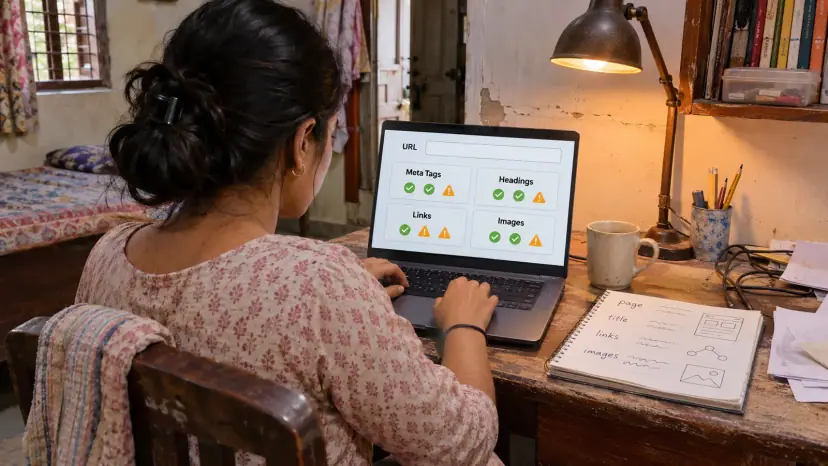
Free SEO and Website Analysis Tools
Instantly analyze your website's SEO, meta tags, headings, links, images, and more - 100% free.
Enter Your Website URL
We'll crawl your page and analyze SEO elements in real-time.
More Free Tools From Brainguru
All free, no sign-up, and they run in your browser.
A 30-Second SEO Audit, No Signup
Most SEO audit tools either lock the report behind a signup wall or run a slow site-wide crawl. Here you paste a URL and get a complete on-page SEO breakdown in seconds, with no account. Our server fetches that one public page, your browser scores it, and you can run up to 10 checks an hour.
Run an SEO Audit in 3 Steps
- 1Paste Any URL
Enter the page you want to audit. The analyzer fetches its HTML and runs about 30 checks. It reads the HTML the server sends, so content added later by JavaScript is not counted. Works for any public URL - your own site or a competitor's.
- 2Read the Score and Issues
You get an overall score (0-100) plus a categorised list of pass/warn/fail items. Each fail explains what's wrong and why it matters for ranking.
- 3Fix and Re-Audit
Apply the suggested fixes (start with title length, missing alt text, and H1 issues - typically the highest-impact). Re-run the audit. Iterate until you're green.
Who Uses This Analyzer
Frequently Asked Questions
Is my URL sent to a server?
Yes. Your URL goes to our server, which fetches that one public page and returns its HTML and headers, because a browser cannot read another site directly. The scoring then runs in your browser. No third-party scanner is involved and no account is needed, but do not enter private or sign-in-only addresses.
How is this different from Google’s PageSpeed Insights?
PageSpeed focuses on Core Web Vitals (loading, interactivity, layout shift). This tool focuses on on-page SEO (titles, meta, headings, schema) and security headers. Use both - they're complementary.
How accurate are the recommendations?
The checks reflect Google's public guidance for title length (~60 chars), meta description (~160), H1 count, structured data, mobile viewport, etc. They are conservative - passing all checks won't guarantee a top ranking but failing them definitely hurts.
Can I audit multiple pages at once?
This tool runs one URL at a time. For bulk auditing, use Screaming Frog or our paid SEO retainer service - we run weekly site-wide audits as part of our digital marketing engagements.
Why doesn’t the audit include backlinks?
Backlink data lives in proprietary databases (Ahrefs, Semrush, Moz). It can't be calculated client-side. For a backlink audit, you need a paid tool with crawled data.
Does the analyzer check Core Web Vitals?
Not directly - for that, use Google's PageSpeed Insights or Search Console. This tool focuses on the parts of SEO that you can fix immediately by editing your page's HTML/templates.
Want help with this?
Talk to our team about the Website SEO Analyzer.