In this article
- What Cloud Telephony Replaces
- The Components Worth Understanding
- Designing an IVR People Do Not Hate
- Where the Value Actually Shows Up
- Integration Is Where It Stops Being a Phone System
- Compliance and Consent
- The Numbers Worth Watching
- Staffing the Phone Realistically
- Migrating Without Losing Calls
- Where Cloud Telephony Does Not Help
- Frequently Asked Questions
- Where Brainguru Can Help
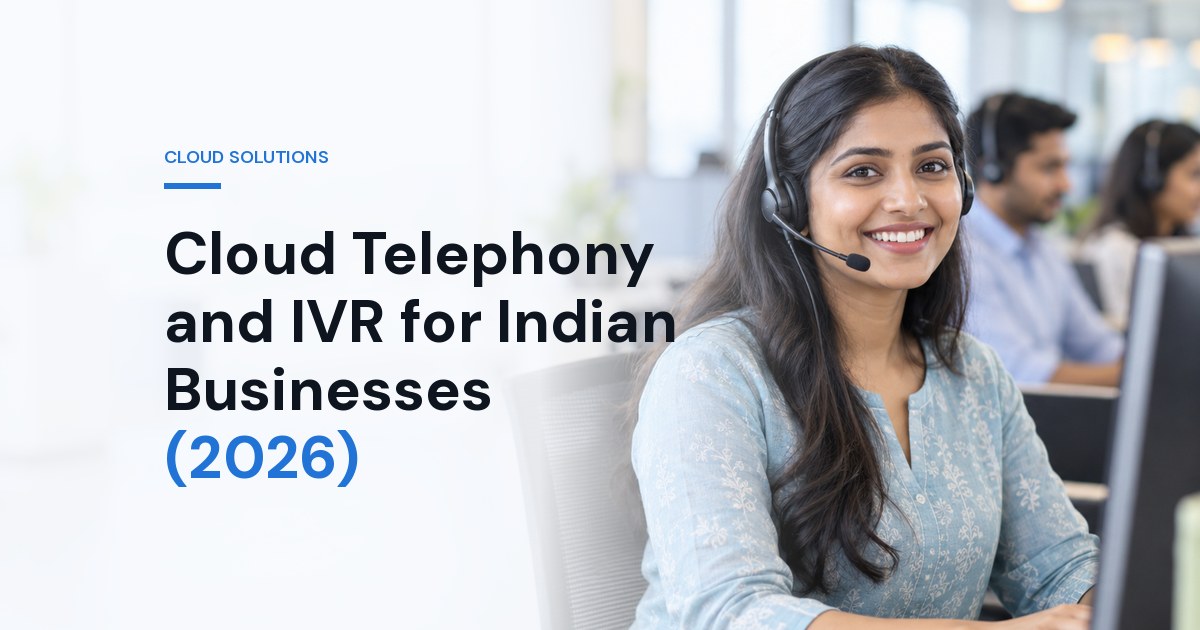
Phone calls remain how a large share of Indian customers prefer to reach a business, particularly for anything urgent or valuable. Yet the phone is often the least instrumented channel a company runs - no record of who called, no idea how many gave up waiting, and no connection to the CRM where every other interaction is logged.
Cloud telephony closes that gap. This guide covers what it actually provides, how to design an IVR that helps rather than obstructs, and where the value tends to be.
What Cloud Telephony Replaces
A traditional setup means hardware on your premises, an engineer to change anything, and capacity fixed by what you bought. Cloud telephony moves the routing logic into software. Numbers, menus, agents and rules are configured in a browser; calls still ring ordinary phones, but where the call goes and what is recorded about it becomes something you control directly.
The practical consequences matter more than the architecture: you can add agents during a campaign and remove them afterwards, route by time of day or language without a site visit, and give a distributed or work-from-home team the same call handling as an office.
The Components Worth Understanding
- Virtual numbers. Numbers not tied to a physical line, which can be assigned per campaign, per branch or per product so you know what a caller responded to.
- IVR. The menu that greets callers and routes them. The component most often designed badly.
- Call routing. Rules for who receives a call - round robin, skill-based, by language, by time, with escalation when nobody answers.
- Call recording. For training, dispute resolution and quality review, with the data obligations that come with it.
- Missed-call services. Widely used in India as a zero-cost action for the customer - a missed call registers interest and triggers a callback or an SMS.
- Click-to-call. A website or app button that connects the customer without them dialling.
- Analytics. Volumes, answer rates, wait times, abandonment and outcomes - the visibility that is usually absent entirely.
Designing an IVR People Do Not Hate
Most IVR menus are built around the organisation's internal structure, which is information the caller does not have. The result is a customer guessing which department owns their problem, choosing wrongly, and being transferred.
The principles that work are simple and widely ignored:
- Keep the first level short. A small number of options, phrased as reasons people call rather than as department names.
- Put the most common reason first. Check your actual call data rather than assuming.
- Avoid deep nesting. Every additional layer loses callers. Two levels is usually enough.
- Always offer a person. A menu with no route to a human generates complaints and repeat calls.
- Say the option before the number - "for order status, press one" - so callers can act as they listen.
- Offer language choice early where your customer base needs it. In much of India this change alone can noticeably improve the experience.
- State the wait honestly or offer a callback rather than leaving people in silence.
Where the Value Actually Shows Up
Nothing is lost. Every call is logged whether or not it was answered, so the enquiries you missed become visible. For many businesses this is the first uncomfortable and useful discovery.
Attribution becomes possible. A distinct number per campaign tells you which advertising produced calls, closing a gap that otherwise makes offline response invisible.
Quality becomes reviewable. Recordings let you hear what customers actually ask and how staff actually answer - usually a more useful source of insight than any survey.
Coverage improves. Routing by time and escalation rules means out-of-hours calls reach someone or trigger a callback rather than ringing an empty office.
Integration Is Where It Stops Being a Phone System
Standalone telephony is a utility. Connected to your CRM it becomes part of the customer record: the agent sees who is calling and their history before answering, the call logs itself against the account, outcomes are captured without manual entry, and follow-up tasks are created automatically.
The same applies in the other direction. Sales teams working a list benefit from click-to-dial and automatic logging far more than from any dialling feature, because the alternative is a rep who makes calls and updates the CRM from memory at six o'clock.
Compliance and Consent
Telephony touches personal data at several points and deserves the same care as any other system. Callers should be informed that calls are recorded, recordings should be access-controlled and retained only as long as there is a reason to keep them, and outbound calling must follow TRAI's commercial communication rules - promotional calls only from registered 140-series numbers, customers' Do Not Disturb preferences respected, and auto-dialled or robo-calls declared to your telecom operator in advance. If recordings capture financial or health information, handle them accordingly. See data protection and compliance for the wider framework.
The Numbers Worth Watching
Most businesses that adopt cloud telephony look at call volume and stop there. The measures that actually change decisions:
- Answer rate - the share of inbound calls a person actually picks up. Often the single most revealing number in the first month.
- Abandonment before answer - callers who hang up waiting. If this is high, staffing or routing is the problem, not the menu.
- IVR drop-off by node - where in the menu people give up. This tells you exactly which option is confusing.
- First-call resolution - how often the caller's issue is settled without a callback or transfer.
- Calls outside working hours - demand you are currently not serving at all.
- Repeat callers within a short window - usually a sign the first call did not resolve anything.
Set a baseline in the first month before changing anything, or you will not be able to tell whether later changes helped.
Staffing the Phone Realistically
Call demand is rarely even. Most businesses have predictable peaks - after a campaign goes out, at particular times of day, around month end or a delivery cycle. Cloud telephony makes those patterns visible for the first time, which allows staffing to follow demand rather than a fixed rota.
Two practical mechanisms help where headcount cannot flex: an offered callback rather than a queue, which converts a wait into a scheduled contact and reduces abandonment; and overflow routing to a secondary group when the primary team is saturated. Both are configuration rather than hiring.
Migrating Without Losing Calls
The risk in moving a phone system is the same as in moving a website - traffic disappearing during the change. Moving an existing number needs planning - porting it to a cloud telephony provider is often not possible in India, and forwarding it to the new system is the usual route - so run the new system in parallel on a new number first, verify routing and recording work with real calls, then move the main number over once you are confident.
Before cutover, check the details that cause outages: who is notified when a call fails to route, what happens if the internet at a site drops, and whether there is a fallback to mobile numbers. Test the failure path deliberately - a phone system that works only when everything else works is not resilient.
Where Cloud Telephony Does Not Help
It is worth being straight about the limits. Cloud telephony makes call handling visible and flexible; it does not create capacity, fix a product problem, or make an understaffed team answer faster. If your answer rate is poor because there are three people for two hundred daily calls, better routing redistributes the failure rather than removing it.
Similarly, an IVR cannot rescue a business process that genuinely requires a knowledgeable person. Routing people faster to someone who cannot help them just gets to the disappointment sooner. The technology is worth adopting for visibility and flexibility - treat the capacity question separately.
Frequently Asked Questions
What is cloud telephony and how is it different from a traditional phone system?
Cloud telephony runs your business calling through software rather than on-premise hardware. There is no PBX box to buy or maintain, numbers and routing are configured in a web panel, and you can add agents or change call flows without an engineer visiting. Calls still reach ordinary phones - what changes is where the intelligence sits.
What is the most common mistake in IVR design?
Too many options and too much depth. Every extra layer loses callers, and a menu built around your internal departments rather than the reasons people call forces the caller to guess. Keep the top level to a small number of choices phrased in the customer's language, and always provide a route to a human.
Do I need call recording, and what are the obligations?
Recording is genuinely useful for training, dispute resolution and quality monitoring. It also means you are processing personal data, so callers should be informed, recordings should be access-controlled and retained only as long as needed, and staff should know they are recorded. Treat it as a data protection decision, not just a feature toggle.
Should cloud telephony integrate with our CRM?
If you have a CRM, yes - it is where most of the value is. Screen pop with the caller's history, automatic call logging against the record, click-to-dial, and outcomes captured without manual entry. Without integration you get a phone system; with it you get a record of every customer conversation attached to the customer.
Where Brainguru Can Help
See cloud telephony for the platform side, and our messaging services where calls are only part of the picture - transactional SMS for confirmations and alerts, voice SMS campaigns for outbound reach, and short code and long code for inbound keyword capture. For connecting all of it to your sales process, see CRM and sales automation, or get in touch on +91-8010010000.
Related Articles
Cloud Migration for Indian Businesses (2026): Planning, Cost and Downtime
A practical guide to migrating to the cloud - the six migration strategies, what actually drives cost, how to avoid downtime, and the mistakes that make bills balloon after go-live.
Read More
AWS vs Azure vs Google Cloud: Which is Right for You?
AWS vs Azure vs Google Cloud: Which Is Right for You? Choosing a cloud provider is one of the most strategic decisions a business makes today. The big…
Read More
Affordable Cloud-Based HRMS for Hire-to-Retire Employee Lifecycle
In today’s fast-paced digital era, organizations are evolving rapidly, and so are the demands of managing a modern workforce. From recruitment and onboarding to…
Read More
Comments
Be the first to share your thoughts on this article.